Personalization
Our goal is to make your TV experience as enjoyable as possible. Since this is somewhat individual, there are various ways to adjust your TV streaming experience according to your preferences. Here you will find more TV features that you might not have known.
Guide & Stations
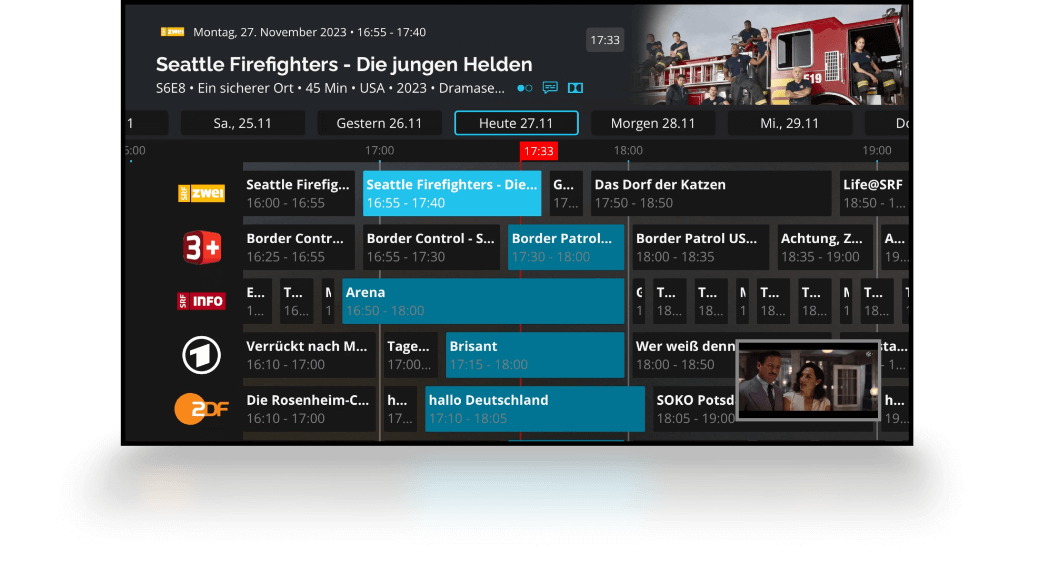
About the channel list - you can now find it directly in the player - you can view all available channels as well as remove, add, or change the order of channels. You can do this individually for each user profile. In the selected order, the TV program for the previous and upcoming two weeks will now be displayed.
Search
With the search, you can directly search your recordings or the player in general for titles or actors. The Search History is saved for an overview. Does your favorite actor not yield a search result? We'll notify you with the Star Alert once a program with your favorite is available. This can be enabled and disabled in the settings. You can also make settings for the editorial newsletters, the TV Tips.
Dark Mode
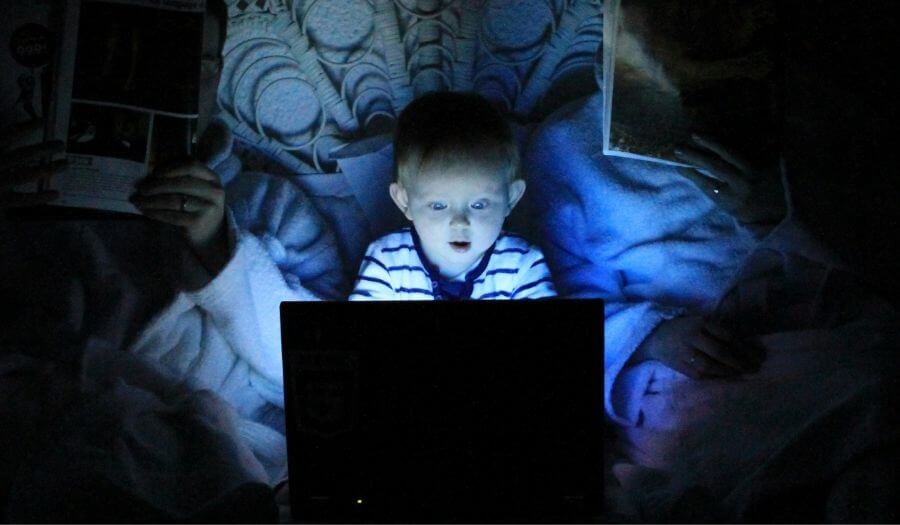
Our dark mode is now available across all apps and applications. On large screens, you won't be dazzled as much in the evenings, and on mobile devices, you can even set the day/night mode. You can also adjust settings comfortably in the player settings.
Profile
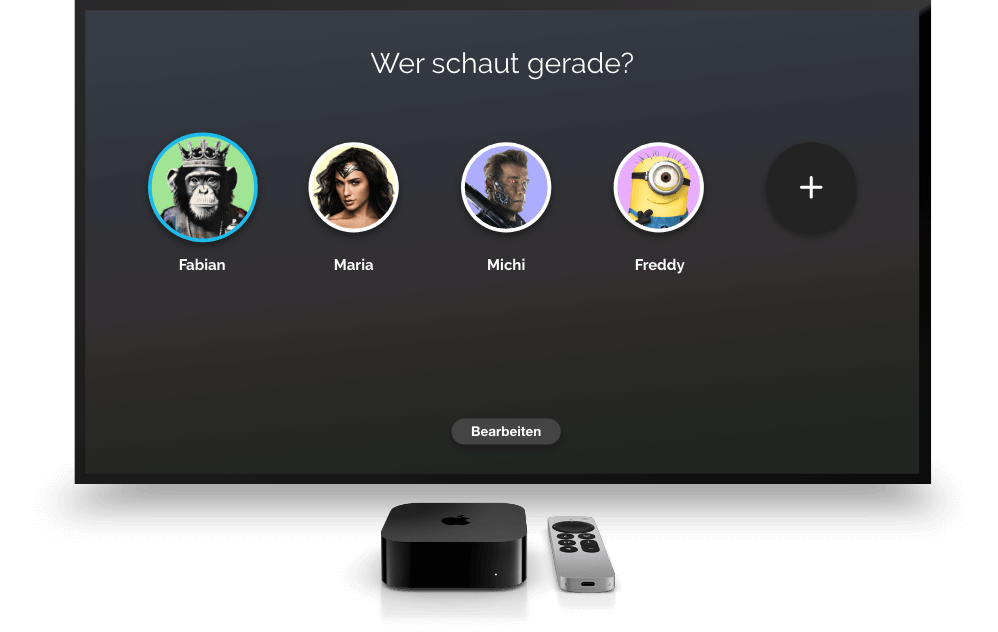
With Teleboy profiles, you can now share your account with your household and create up to 5 personal profiles. Each family member benefits from personal channel lists, star alerts, and receives recommendations tailored to their profile. Additionally, streaming can continue on up to 5 devices simultaneously — whether at home on the TV or on the go with a smartphone or tablet.