How fast is
your internet really?

Take the test and
start your measurement.

Try it now

Test your speed

Test the speed of your internet line. The focus is on the speed of downloads in Mbps, of uploads in Mbps, and the calculation of the ping or jitter value in ms (milliseconds). Mbps: Megabits per second. Ping: Time span between sending a data packet and the response to it. Jitter: The time variation between receiving two data packets. The smaller the values, the better.
For the best results

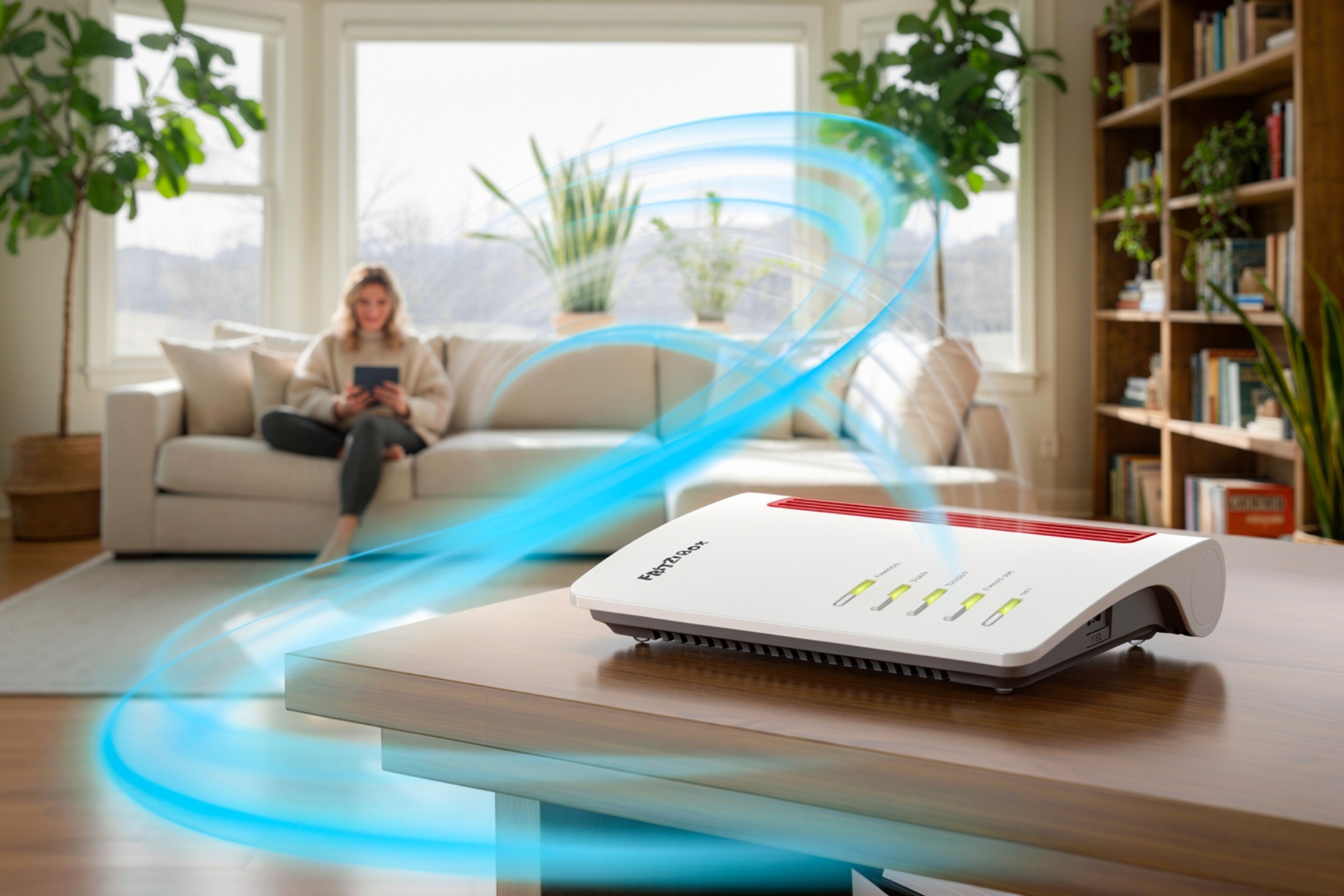
For an optimal result of the speed test, it should not be performed over Wi-Fi but directly via a LAN cable. Also, no other devices should be connected to the Wi-Fi while the speed test is being performed.

Router

1. Unplug the Wi-Fi router from the power for 2 minutes before the speed test.

No Phone Router

2. Disconnect all devices from the Wi-Fi router and connect the PC/laptop directly via a LAN cable.

Laptop

3. Restart the PC/laptop, open a browser (e.g. Chrome or Firefox), and go to the speed test page from Teleboy.

Stabbing

4. Perform 2–3 measurements to identify any possible irregularities.

Further information

  • Gigabit LAN speed isn't 1000 Mbit/s. Under ideal conditions, the maximum speed you can reach is 940 Mbit/s (Ethernet throughput limit).
  • When you run a speed test over Wi-Fi, the results might not be very accurate. The best way is to do it with an 8-wire LAN cable (at least Cat 5e).
  • If there's a firewall in the browser, you should turn it off before starting the speed test.
  • Hardware performance — like a weak CPU in the Wi-Fi router — can also lower the maximum speed.
  • Some web browsers can cause issues with certain operating systems. If that happens, try running the speed test in at least two different browsers.

Teleboy Internet

Our internet plan starts at just CHF 31.90 per month – the router comes free. You can adjust your connection speed anytime to match your needs. Working from home more often and need extra speed for stable video calls? Just one click to upgrade – we’ll handle the rest.

Go to the plans
Want to add TV or mobile too? Combine now
>